

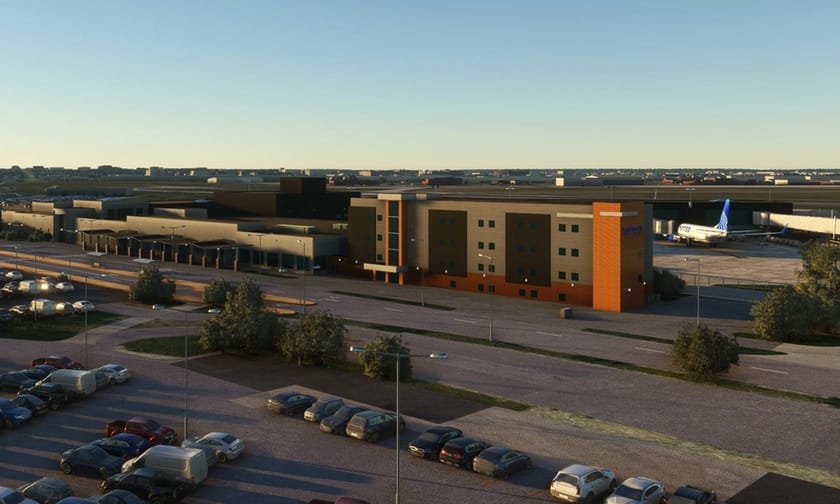
Sioux Falls Regional Airport, also known as Joe Foss Field, brings a detailed Upper Midwest hub to Microsoft Flight Simulator with a new freeware package by danielsjam on Flightsim.to. Serving both public and military operations, Sioux Falls Regional sits three miles northwest of Sioux Falls, South Dakota, and carries historical significance dating back to its 1937 origins and its World War II role as a training base for roughly 40,000 radio operators. Today, the airfield also hosts the South Dakota Air National Guard’s 114th Fighter Wing, which operates F-16C/Ds under Air Combat Command.
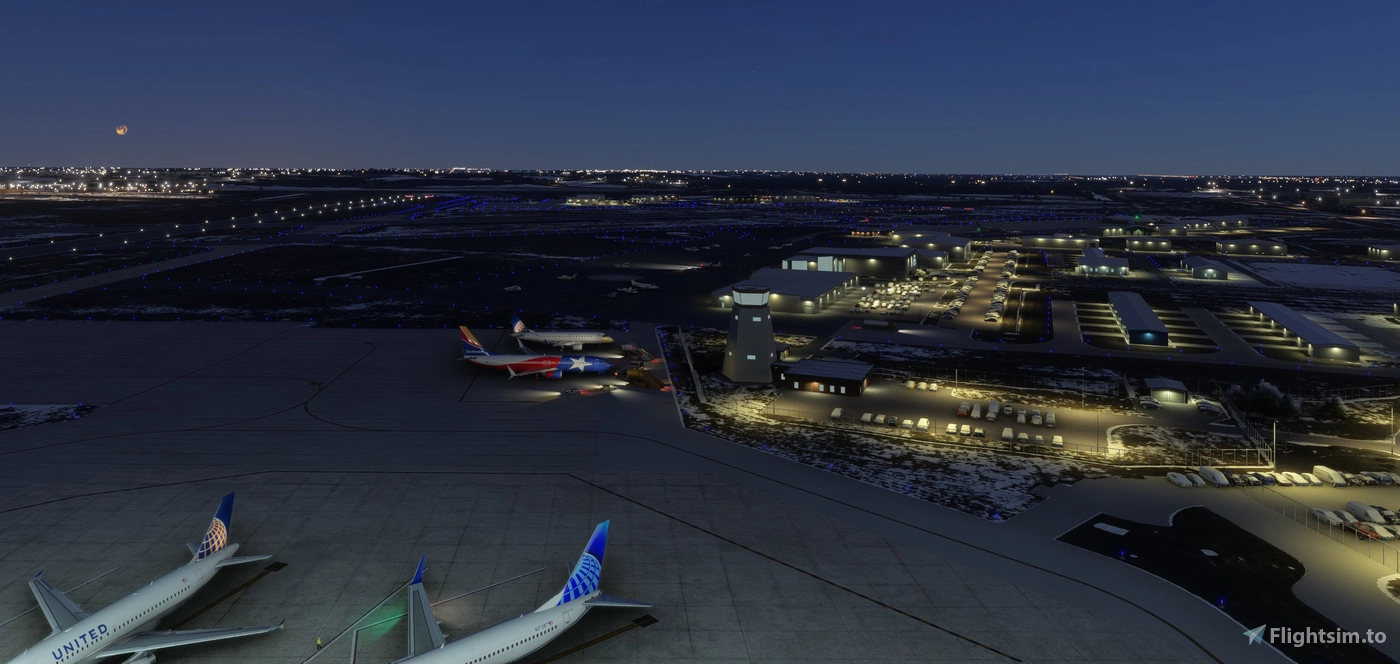
This release focuses on broad on-airport coverage with most buildings modeled across the main terminal side, the northwest hangars, the Army National Guard area, and a dedicated Air National Guard package. The developer has intentionally left a few locations unmodeled due to limited reference material, including the underground bunkers, firing range, and radar site on the west side, as well as car rental buildings that could not be verified from available imagery. The front parking lots are represented with a practical stand-in where current satellite data still shows construction, which keeps the field cohesive without relying on dated ground textures.
Operationally, the package adds an open hangar with animated doors that run on a local schedule. Doors open from 6:00 a.m. to midnight local time and remain closed overnight. When doors are closed, you can still operate them manually by hiding or unhiding the flight yoke, which provides a simple, in-cockpit control method and avoids extra bindings or external utilities. Perimeter fencing is deliberately partial on the main airport side to balance visual fidelity with performance and compatibility.
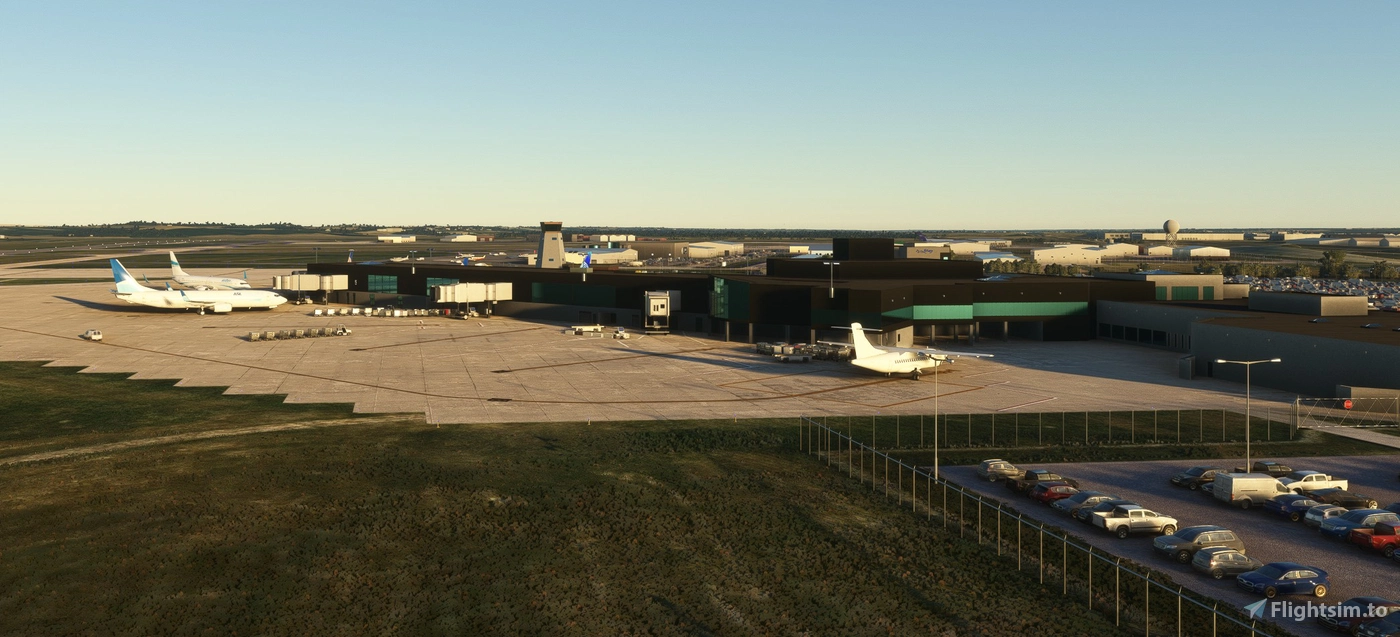
The scenery ships as two packages to give you flexibility. The primary package covers the main airport, northwest hangars, and Army National Guard. The second package covers the Air National Guard. If you experience issues or prefer a lighter footprint, you can disable the ANG package while keeping the civil and Army areas active. Installation follows the standard Microsoft Flight Simulator approach: extract the archive and copy the two folders — “jd-airport-kfsd-sioux-falls” and “jd-kfsd-sd-air-guard” — into your Community folder.
For simmers who enjoy regional airline flying, general aviation, or military theming, KFSD provides a practical, lived-in airfield that connects Midwest routes with a notable Air National Guard presence. You can 👉 download the scenery on Flightsim.to. If you enjoy flying into Sioux Falls, consider donating to the creator to support ongoing development and future improvements.